
Darkroom Software
  • Home
  • Products
    • Darkroom Core & Pro
      • Templates
      • Supported Hardware
      • FAQ
    • Darkroom Booth
      • Templates
      • Supported Hardware
      • FAQ
    • Darkroom Assembly
      • FAQ
    • Booth for iPad
      • FAQ
    • Hotfolder App
      • FAQ
    • Event Gallery
      • FAQ
  • Pricing
  • Support
    • Help Center
    • Webinars
  • Downloads
  • Blog
  • Start a Free Trial
Select Page
How to Create AI Custom Shirts in Darkroom Booth

How to Create AI Custom Shirts in Darkroom Booth

by Eric Woodchek | Apr 30, 2026 | AI, Booth, How To, Video Tutorials Archives

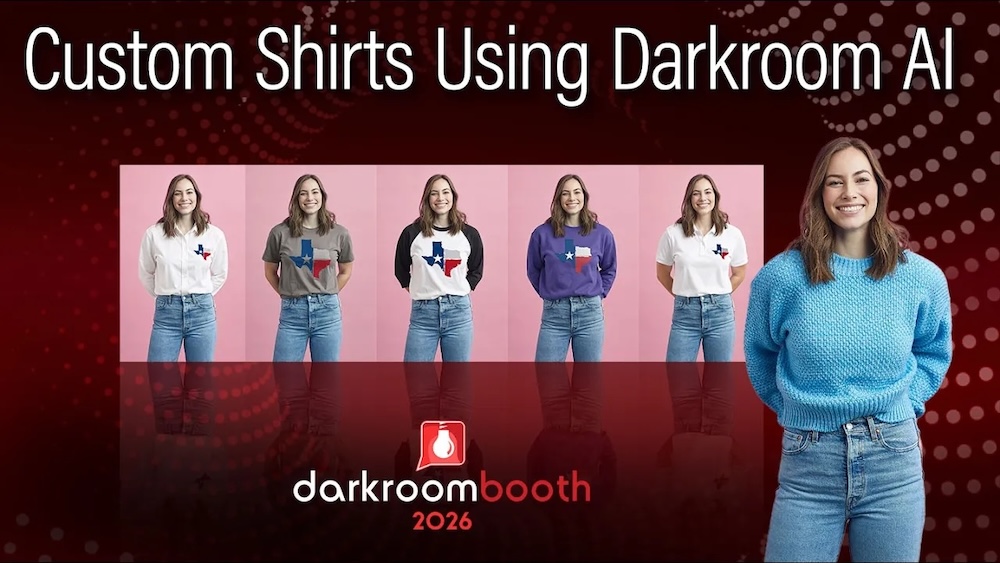
Learn how to create custom AI shirts with logos, colors, and styles for branded photo booth experiences your clients will love! What if every guest at your event could instantly become part of your brand? With the new AI Custom Shirt feature in Darkroom Booth 2026,...
Create AI Lenticular Prints in Darkroom Booth (Step-by-Step Guide)

Create AI Lenticular Prints in Darkroom Booth (Step-by-Step Guide)

by Eric Woodchek | Apr 15, 2026 | AI, Booth, How To, Photo booth

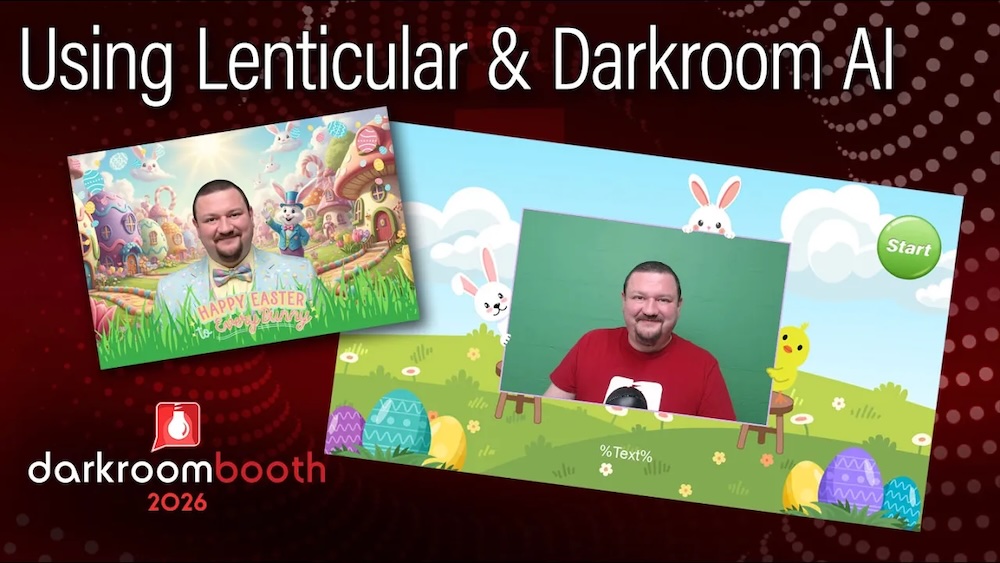
Create Stunning AI Lenticular Prints Your Customers Will Love If you’re looking for a way to stand out at your next event, combining AI with lenticular printing might be one of the most exciting options available in Darkroom Booth right now. In this quick tutorial,...

Proof Sheets in Darkroom Core: A Powerful Overlooked Feature

Proof Sheets in Darkroom Core: A Powerful Overlooked Feature

by Eric Woodchek | Apr 13, 2026 | Darkroom Core and Pro, How To, Portrait Photography, School Photography, Sports Photography

Don’t Overlook This Powerful Feature in Darkroom Core: Proof Sheets If you’ve been using Darkroom Core for a while, there’s a good chance you’ve come across the Proof feature—but maybe haven’t fully explored it. In a recent video, Eugene (Darkroom’s Learning...
Use Your Camera’s Shutter Button in Darkroom Booth

Use Your Camera’s Shutter Button in Darkroom Booth

by Eric Woodchek | Apr 9, 2026 | Booth, Photo booth

Capture Photos Using Your Camera’s Shutter Button!? One of the great things about Darkroom Booth is its flexibility. Whether you’re running a fully automated photo booth or experimenting with custom workflows, the software is designed to adapt to the way you...
It’s a Wrap! Photo Booth Expo 2026

It’s a Wrap! Photo Booth Expo 2026

by Eric Woodchek | Mar 3, 2026 | Photo booth, Special Announcements

Jason and Mia O’Brien of MagicMirrorAZ, winners of the Darkroom Mystery Case What an incredible few days at the Photo Booth Expo! 🎉 From February 16–18, our team had the pleasure of connecting with so many creative, driven photo booth professionals. If you...
« Older Entries

Recent Posts

  • How to Create AI Custom Shirts in Darkroom Booth
  • Create AI Lenticular Prints in Darkroom Booth (Step-by-Step Guide)
  • Proof Sheets in Darkroom Core: A Powerful Overlooked Feature
  • Use Your Camera’s Shutter Button in Darkroom Booth
  • It’s a Wrap! Photo Booth Expo 2026

Categories

  • A Wise Idea Archives
  • AI
  • Booth
  • Booth for iPad
  • Customer Profile
  • Darkroom Booth Archives
  • Darkroom Core and Pro
  • Event Gallery
  • Event Photography Archives
  • Green Screen Photography
  • Hotfolder App
  • How To
  • News & Updates Archives
  • Newsletter Articles
  • Photo booth
  • Portrait Photography
  • Press Release
  • Promotion
  • School Photography
  • Special Announcements
  • Sports Photography
  • Templates
  • Tips & Tricks Interview
  • Troubleshooting
  • Video Tutorials Archives
  • Webinars
  • Wedding Photography
  • Home
  • About Us
  • Testimonials
  • Contact Us
  • Terms and Conditions
  • Privacy Policy
  • Blog
© 2026 Darkroom Software, LLC. All Rights Reserved.

  • Download a Free Trial

    Yes, please send me more information on getting started with a free trial.

    NOTE: If you already own Darkroom Software, please visit the Downloads Page.

https://darkroomsoftware.com/wp-content/uploads/2025/11/Booth-2025-Promo.mp4