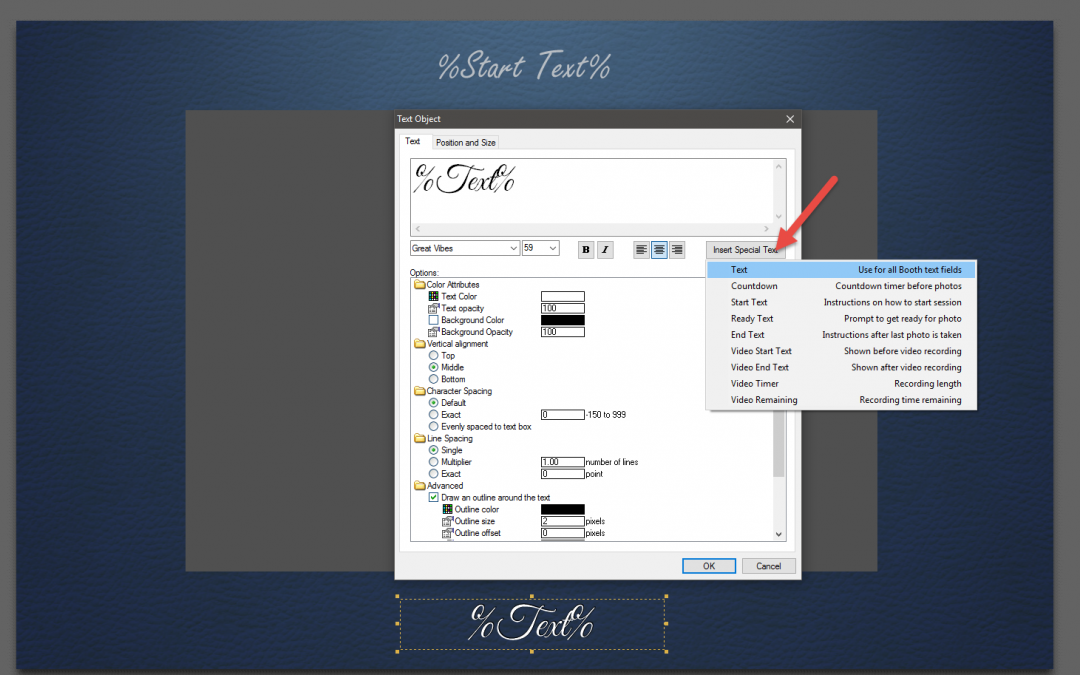

10 Things You Don’t Know About Darkroom Booth
Darkroom Booth software is deep and truly gives you the freedom to do just about anything with your photo booth experience. All while maintaining simplicity. We are amazed every day at the cool things some of our customers are doing. And hardly a day goes by when we...
Top 5 Reasons to Keep Your Photo Booth Software up to Date
Keeping your photo booth software up to date is important for several reasons. Here are a few of the more important reasons… 1. Support for the latest cameras, printers, computers and operating systems. By keeping your photo booth software up to date you are ensuring...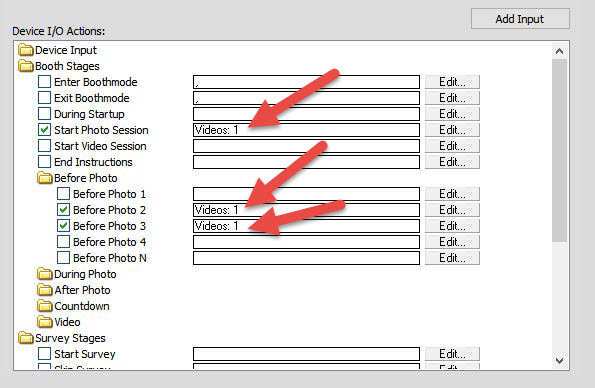
Photo Booth Video Prompts with Darkroom
With Darkroom Booth 2 you can replace text instructions with video prompts. In this example we used a dancing Santa video with a transparent alpha channel overlaid on a screen shot of the screen display. After adding an appropriate voiceover with instructions we added...