

How To Backup Your Darkroom Booth Templates
You can replace a damaged photo booth computer but what about your photo booth templates? Suppose disaster strikes and your computer is lost or damaged. Do you have a copy of your templates? The video below will show you how easy it is to backup your templates and...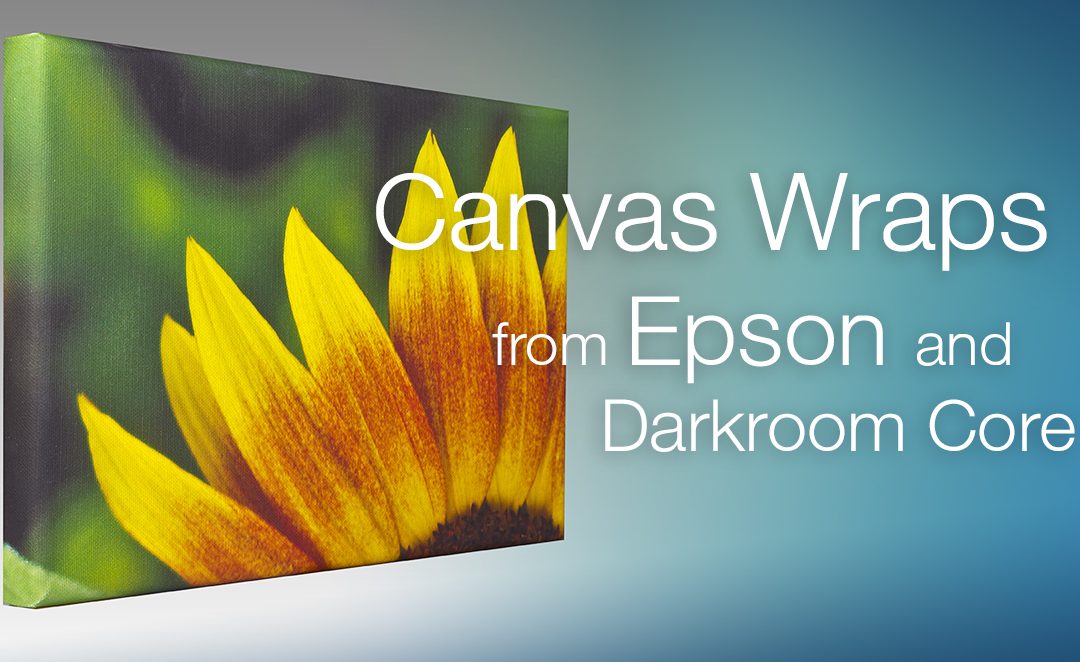
Make Canvas Wraps with Darkroom Core and Epson Printers
One of the tricks to using an Epson 24” (SureColor P6000/ P97000) or Epson 44” (SureColor P8000/ P9000) printer on canvas is to learn how to properly lay out the image to create a gallery wrap. A gallery wrapped canvas is where the print is displayed without a frame...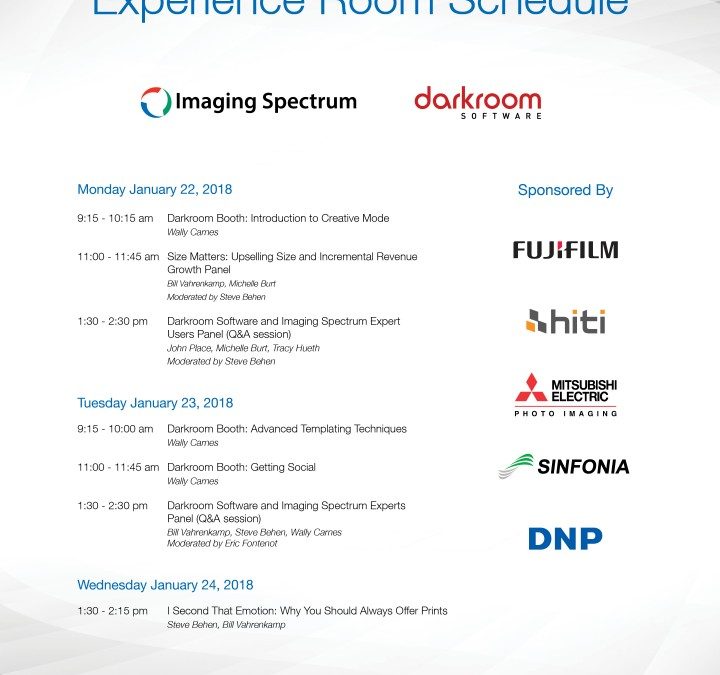
Darkroom Software at 2018 PBPI Academy
We are excited to be participating in the upcoming PBPI Academy course in Dallas beginning January 22. Darkroom Software will be participating in 3 days of software focused classes as well as hosting events in our Experience Room throughout the PBPI Academy. In these...
A Wise Idea- Thank You!
Howdy Photo Booth Friends, We are very excited about all of the positive response with the release of Booth 3.0. We know you love the new burst mode GIF and we just wanted to say “Thanks for the Love!” Here are a few free graphics to help spruce up your screen...