A Wise Idea – Updating the Green Screen Selection Template in Darkroom Booth
Howdy Boothers, Here are a few quick videos with step by step instructions to help you update and customize you green screen selection templates. The last video is a bonus video that will show you how to update the background graphic when you are using multiple...A Wise Idea – No LiveView, No Problem
Did you know…If you do not add a live-view to a screen template, Darkroom Booth will automatically use the next available photo object as the live-view. This is really helpful when you need the live-view to move throughout your screen template. This is also helpful if...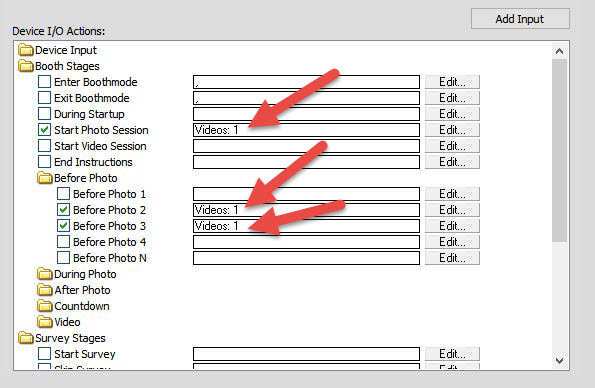
Photo Booth Video Prompts with Darkroom
With Darkroom Booth 2 you can replace text instructions with video prompts. In this example we used a dancing Santa video with a transparent alpha channel overlaid on a screen shot of the screen display. After adding an appropriate voiceover with instructions we added...How to Email a Photo to Your Printer Using Darkroom Software