Back to Basics: Lighting Tips for Your Photo Booth Setup
Hi Everyone, Eugene here with Darkroom Software. In my latest how-to video, I cover an important and often overlooked topic for photo booths – Lighting. Properly lit photos are the secret ingredient that can make or break your photo booth events and activations....
Camera Settings Every Photo Booth Operator Should Know
Camera Basics for Photo Booths: Settings Every Photo Booth Operator Should Know Hi everyone, Eugene here with Darkroom Software. Running a photo booth is about more than just pressing a button—it’s about knowing how to get consistently great photos. In this “Back to...
10 Steps to a Successful Photo Booth Event
Back to Basics: 10 Steps to a Successful Photo Booth Event Hi everyone, Eugene here with Darkroom Software. Sometimes it helps to get back to basics. Whether you’re a new user or a seasoned pro, there are always a few fundamentals worth reviewing—things that may have...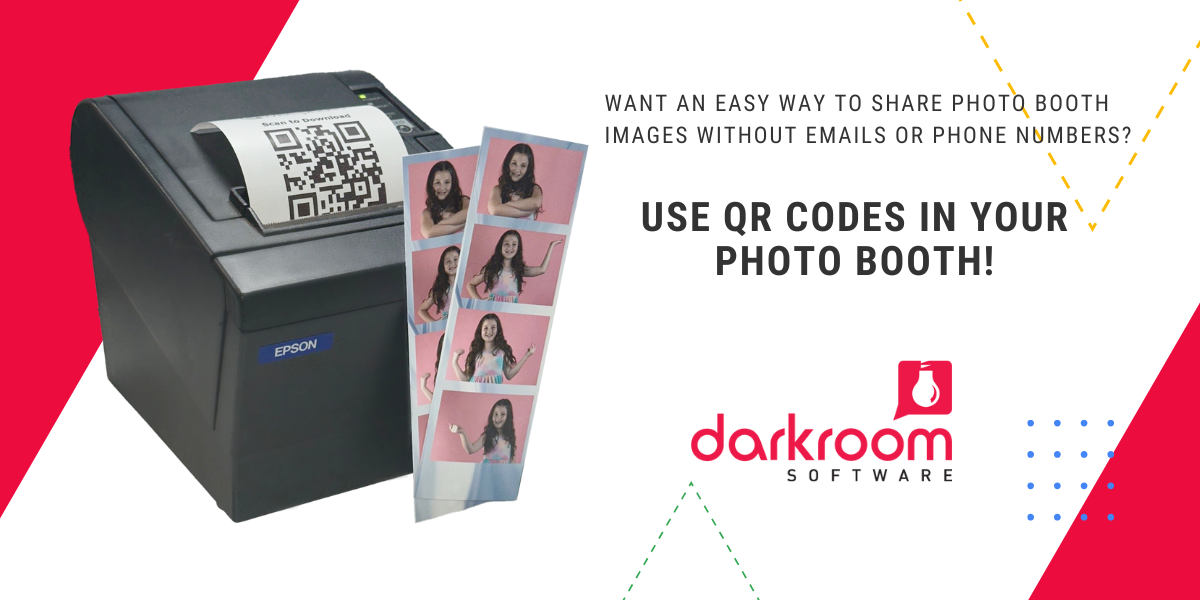
How to Use a Receipt Printer to Instantly Share Event Photos via QR Code
Hi everyone — Eugene here with Darkroom Software! In this post, I’ll show you how to use a receipt printer to print a QR code alongside your usual 2×6 or 4×6 photo prints using Darkroom Booth. This QR code links directly to the individual image uploaded to...