Darkroom Software
  • Home
  • Products
    • Darkroom Core & Pro
      • Templates
      • Supported Hardware
      • FAQ
    • Darkroom Booth
      • Templates
      • Supported Hardware
      • FAQ
    • Darkroom Assembly
      • FAQ
    • Booth for iPad
      • FAQ
    • Hotfolder App
      • FAQ
    • Event Gallery
      • FAQ
  • Pricing
  • Support
    • Help Center
    • Webinars
  • Downloads
  • Blog
  • Start a Free Trial
Select Page
Camera Connection Issues and How to Troubleshoot

Camera Connection Issues and How to Troubleshoot

by Eric Woodchek | Jun 22, 2023 | Darkroom Booth Archives, Darkroom Core and Pro, Troubleshooting, Video Tutorials Archives

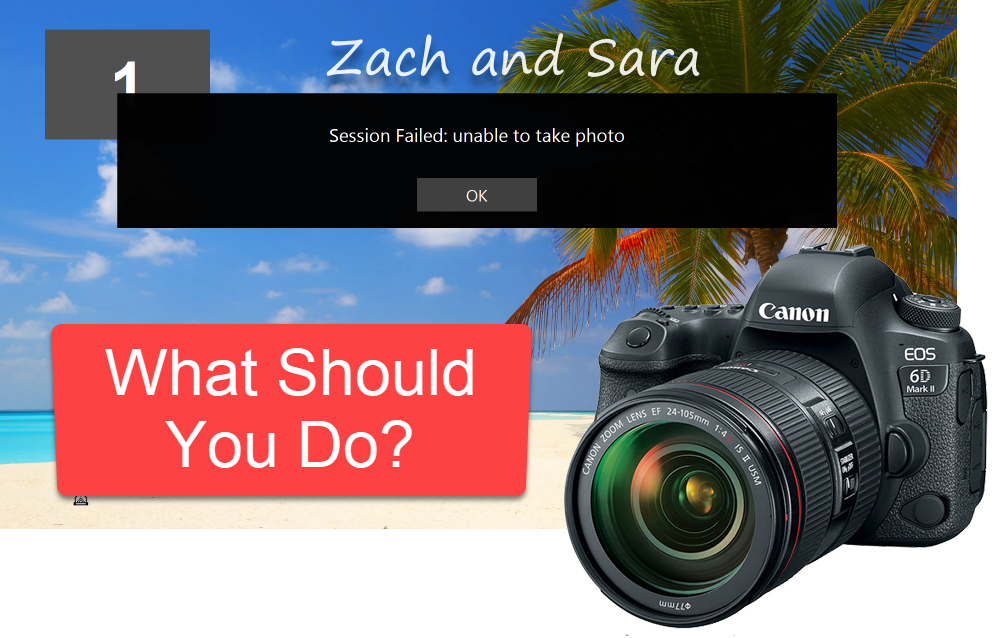
Have you ever been at an event and received this message – Session Failed: unable to take photo. While it might seem like the blue screen of death to you, usually the culprit is something quite simple. In this post and video, Eugene illustrates the most common...
5 Ways to Take Advantage of the Output Menu in Darkroom Booth

5 Ways to Take Advantage of the Output Menu in Darkroom Booth

by Eric Woodchek | Jun 14, 2023 | Booth, How To, Photo booth

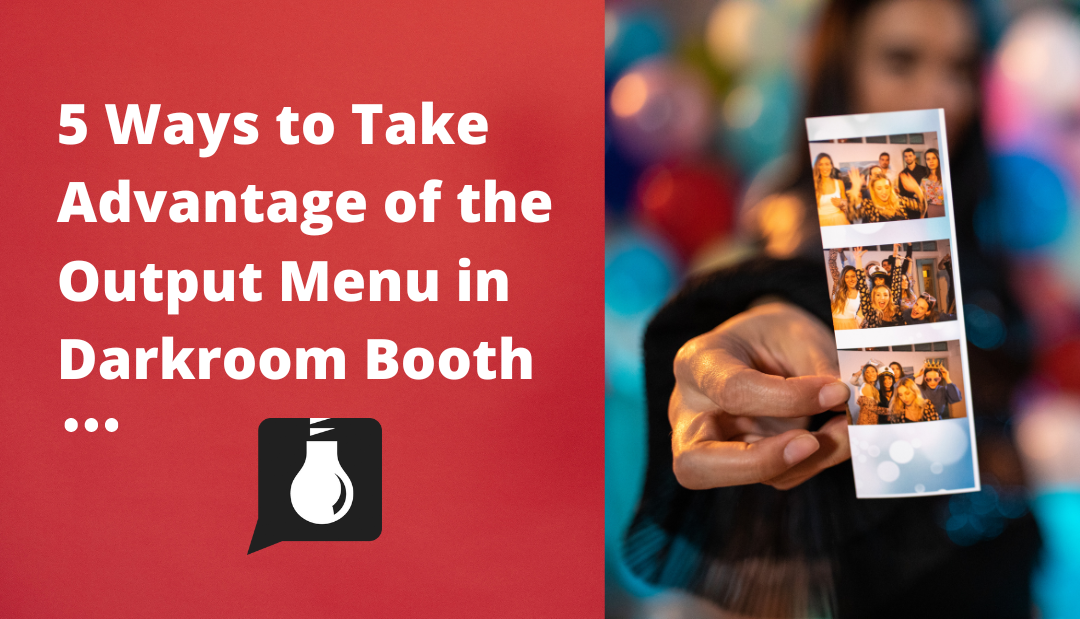
The output menu is a powerful tool in Darkroom Booth Software that many customers are unaware of. Here is a list of 5 ways to take advantage of the Output Menu in Darkroom Booth along with an instructional video from software guru Eugene. 1. Match output for number of...
Make Your Event Photography Workflow Fly with Darkroom Software

Make Your Event Photography Workflow Fly with Darkroom Software

by Eric Woodchek | May 15, 2023 | Darkroom Core and Pro, Event Gallery, Event Photography Archives, Video Tutorials Archives

Have you ever wanted to shoot an event and have photos printed automatically? This is possible with Darkroom Core software. Think of it kind of like a photo booth but a photographer is taking the photo. Shoot the photo and Darkroom takes care of the rest. Use just...
Booth 3 Goes International

Booth 3 Goes International

by Eric Woodchek | May 9, 2023 | Darkroom Booth Archives, News & Updates Archives, Video Tutorials Archives

Darkroom Booth 3 has new language options! This exciting new feature will allow you to change the language on the start screen and translate all user text and prompts. Included are Spanish, French, German and Dutch. Additionally, It is easy to edit and add new...
How to build custom screen template buttons in Darkroom Booth

How to build custom screen template buttons in Darkroom Booth

by Eric Woodchek | May 4, 2023 | Booth, How To

Learn how to build custom screen template buttons for your photo booth using Darkroom Booth. Learn the difference between a shape button and a graphic button, the pros and cons of each and which may be best for your photo booth set up. Shape buttons are predefined in...
« Older Entries
Next Entries »

Recent Posts

  • Fujifilm DX400W Printer Now Supported
  • Darkroom Server Setup: A Guide to High-Volume Workflows
  • Crafting Unforgettable Photo Booth Experiences with AI and Darkroom
  • Is Your Photo Booth Ready for Halloween?
  • AI Movie Posters with Darkroom Booth for Halloween

Categories

  • A Wise Idea Archives
  • Booth
  • Booth for iPad
  • Customer Profile
  • Darkroom Booth Archives
  • Darkroom Core and Pro
  • Event Gallery
  • Event Photography Archives
  • Green Screen Photography
  • Hotfolder App
  • How To
  • News & Updates Archives
  • Newsletter Articles
  • Photo booth
  • Portrait Photography
  • Press Release
  • Promotion
  • School Photography
  • Special Announcements
  • Sports Photography
  • Templates
  • Tips & Tricks Interview
  • Troubleshooting
  • Video Tutorials Archives
  • Webinars
  • Wedding Photography
  • Home
  • About Us
  • Testimonials
  • Contact Us
  • Terms and Conditions
  • Privacy Policy
  • Blog
© 2025 Darkroom Software, LLC. All Rights Reserved.

  • Download a Free Trial

    Yes, please send me more information on getting started with a free trial.

    NOTE: If you already own Darkroom Software, please visit the Downloads Page.

https://darkroomsoftware.com/wp-content/uploads/2025/11/Booth-2025-Promo.mp4